Laser cut box generator
Set the size, the material thickness and your laser's kerf. PrintCut draws every panel of the box with joints that fit, and you export clean SVG files.
Try it now No account needed.
How it works
1. Pick a box
Start from a box template, or from the box controls in the editor.
2. Enter your numbers
Width, depth and height, then your material thickness and kerf. Every panel and joint is drawn again from those numbers, so a resize never leaves a joint behind.
3. Check it and export
Turn the box in 3D, then export SVG with colour-coded layers, DXF, or G-code for GRBL and Marlin machines.
Before you cut
Our guides show how to measure your sheet, measure your kerf and size the fingers, then how to open the file in LightBurn or xTool.
Kinds of box
Lids, dividers and drawers
Closed and open boxes, sliding lids, dividers, drawers, hinged lids and living-hinge boxes.
Laid out on your bed
Panels are packed onto your machine's bed, with a cut-time estimate before you cut.
Ready-made templates
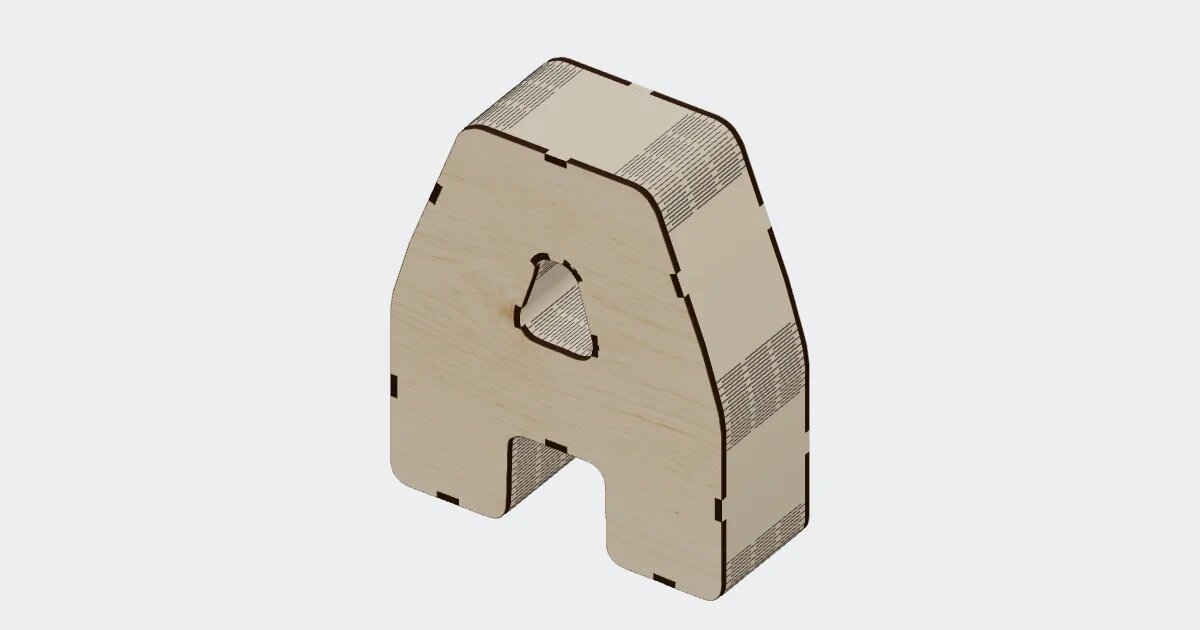
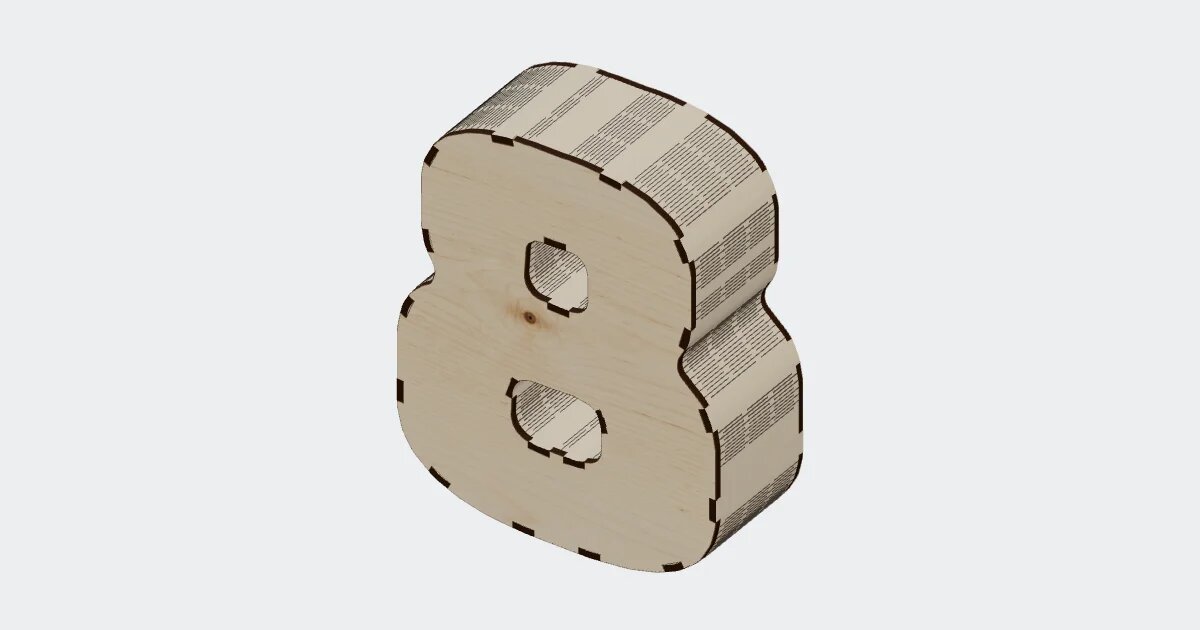
 Letter Box – Single Letter Letters & Numbers · Free
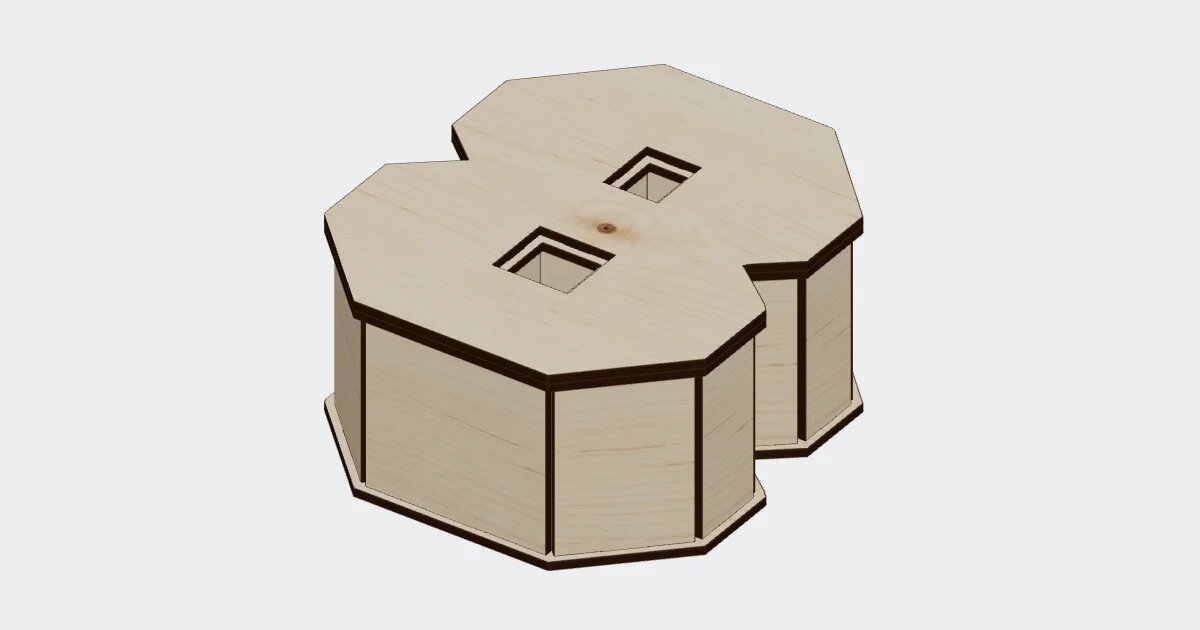
 Basic Box Storage · Free
 Desk Pencil & Tool Caddy Storage · Free
Try without an account: Basic Box
Questions
Do I need to know CAD?
No. You change numbers and watch the box update in 3D. There is no drawing to do.
Which materials work?
Plywood, MDF, acrylic and other flat sheet material. Enter the real thickness of your sheet.
Is it free?
You can start free with an account. See the plans for what each level adds.
More tools
Finger joint box maker
Finger joints drawn for your material thickness and laser kerf. Change the box size and every tab and slot is rebuilt to fit. Free to start.
Living hinge box maker
Design a laser-cut living hinge box: rounded corners, a flexing wrap with a slit pattern drawn for you, and a latch. Preview it in 3D, then export.
Name puzzle maker
Type a name and pick a font and decorations. Each letter becomes a puzzle piece that lifts out of the board, ready to cut on your laser.
Laser-cut keychain maker
Type a name and get a keychain cut round the letters. Drag the hanging hole into place, add icons beside the name and export cut files.
QR sign maker for laser cutters
Engrave a QR code or barcode on a laser-cut plate in the shape you choose. Built on a QR engine, so new QR templates need no new tool.
Make your first box
Creating an account is free, and so are many templates.