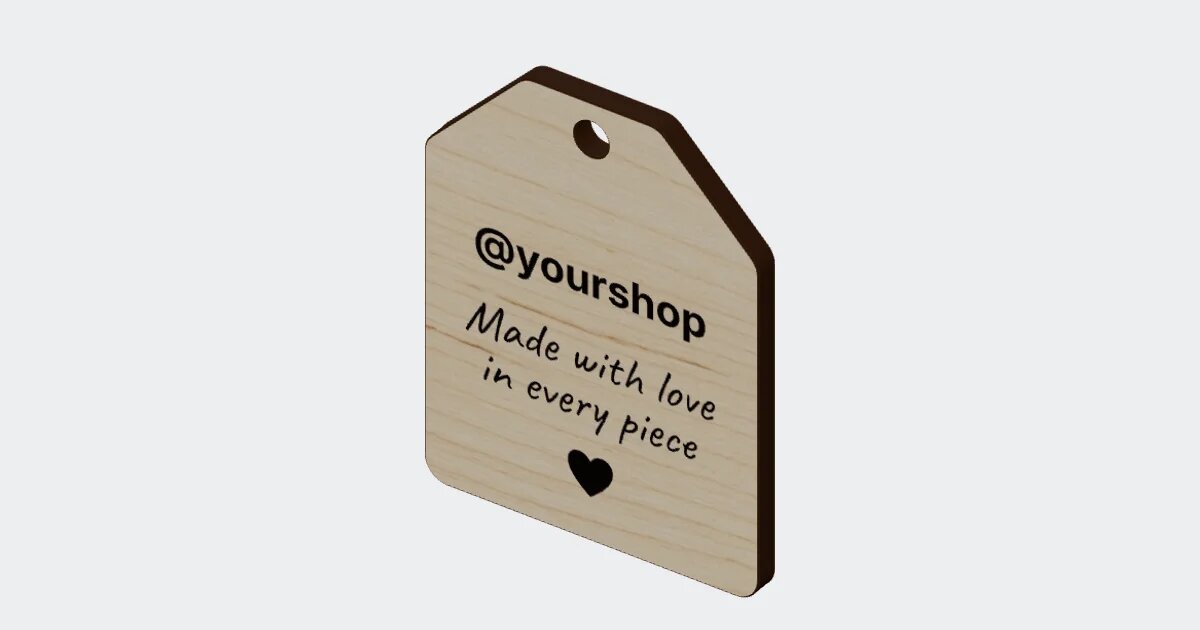
QR & Barcode Plate
A link, text or Wi-Fi network as a QR code, or a Code 128, EAN-13 or UPC-A barcode, engraved on a plate cut around it. Dot and corner styles, a centre logo, a caption and a hanging hole.
Use this templateSign in or create a free account to use it.

Type a link. Get a laser file.
Paste a link or any text, or enter a Wi-Fi network’s name and password so guests join with one scan. PrintCut draws the QR code and the plate cut around it, ready to engrave and cut in one go. Prefer a barcode? Switch to Code 128, EAN-13 or UPC-A for stock labels and product tags.
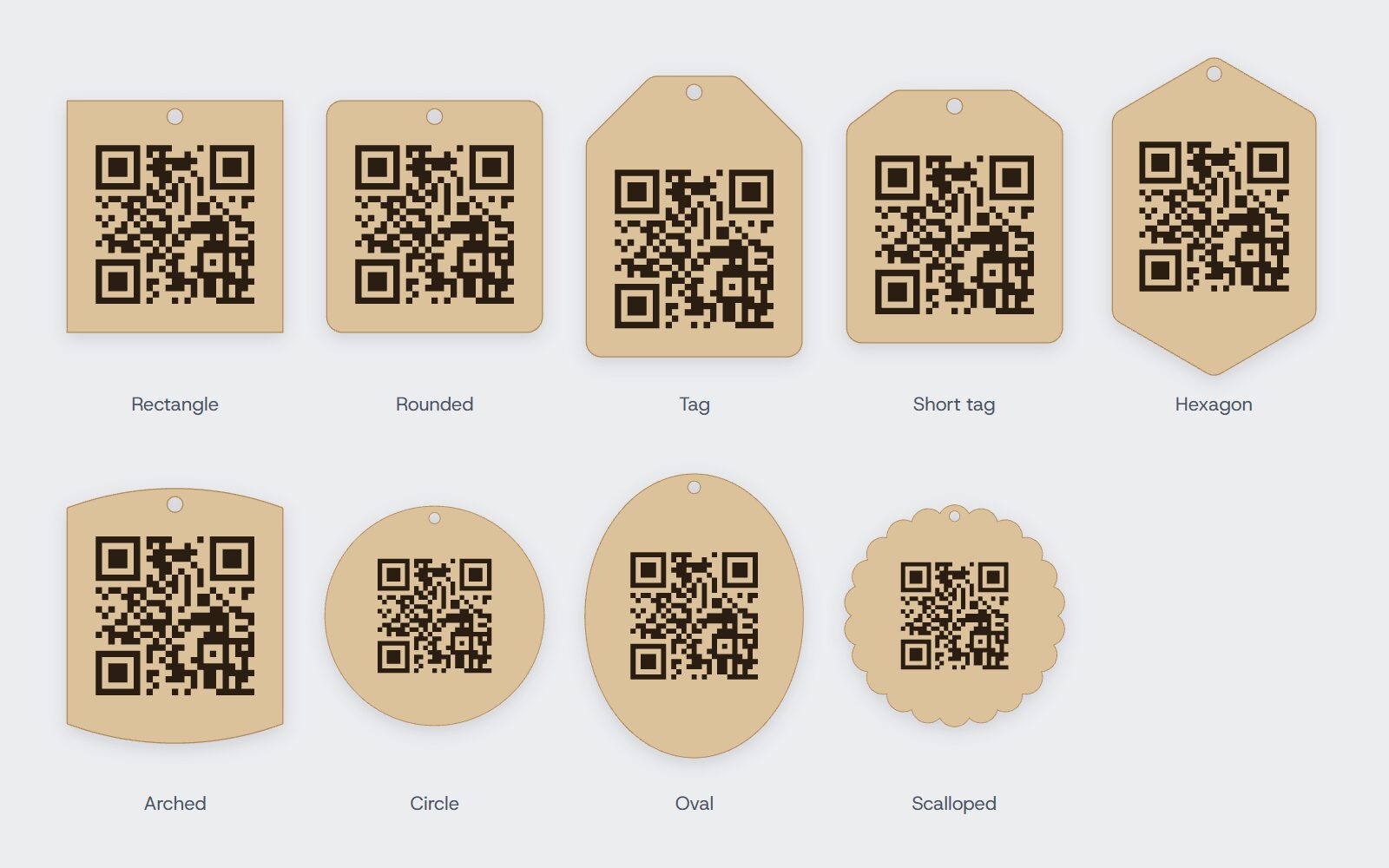
Nine plate shapes
Rectangle, rounded, tag, short tag, hexagon, arched, circle, oval or scalloped. Set the margin around the code, and add a hanging hole: round or a long slot, inside the plate or on a tab above it.
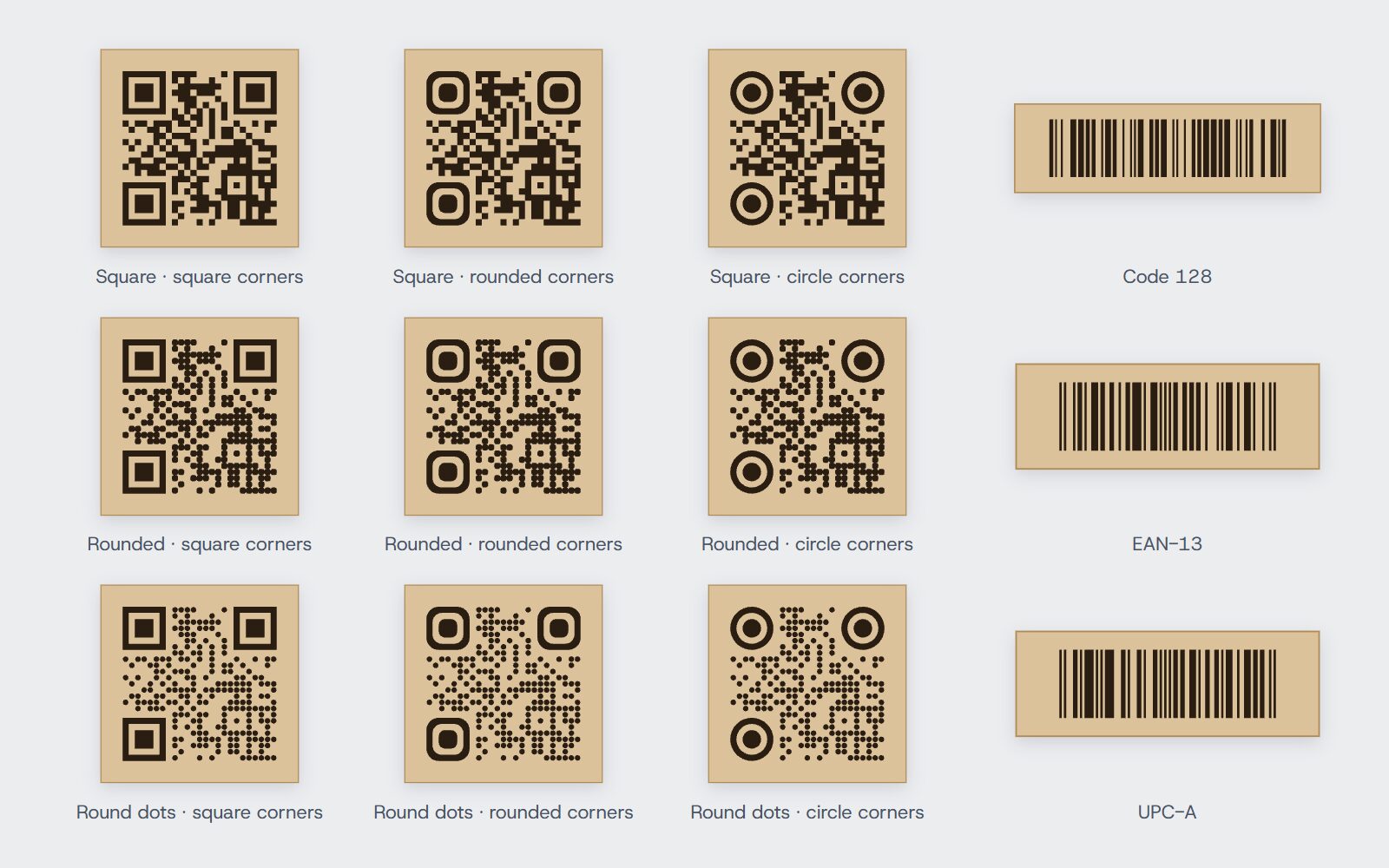
Dot and corner styles
Square, rounded or round dots, with square, rounded or circle corners: nine looks, all still scannable. Add your logo in the centre (the code switches to its strongest error correction so it still reads), and a caption in any Google Font under the code. Barcodes come with their numbers or without.
What you get
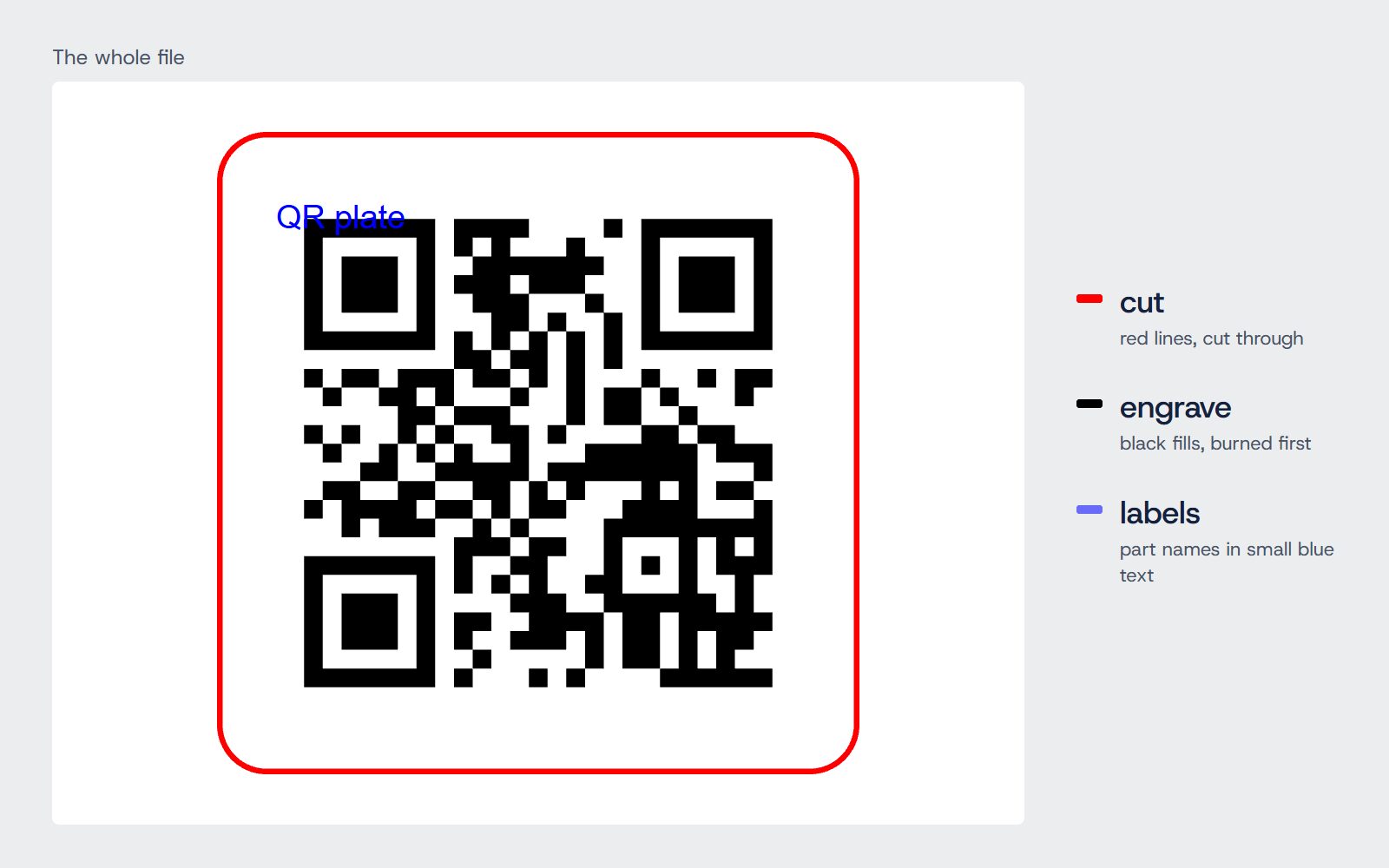
- One plate: its outline and hanging hole cut, the code, logo and caption engraved on it.
- A file for your laser: the engraving first, then the cut, on separate layers.
One file, two layers
Download an SVG for LightBurn, xTool or Glowforge with each kind of line on its own colour-coded layer, a DXF for CAD software, or G-code for GRBL and Marlin machines. The parts are laid out on your laser’s bed for you, with the total cutting length and an estimate of the cutting time. When they need more than one sheet, each sheet is its own file in one zip. Part names are written in small blue text at each part’s corner; untick them if your laser program would burn them.
Built to scan
- Warns when a QR code’s squares come out under 1 mm, which may not scan once engraved.
- Warns when a barcode’s narrowest bar is under 0.3 mm, where a laser blurs the bars.
- Checks a Wi-Fi password’s length, and the plate against your laser’s work area.
Making it
- Engrave the code (black layer) while the sheet is still whole.
- Cut the plate out (red layer).
- Test it with your phone’s camera before you hand it over.
Engrave it on 3 mm plywood or acrylic for a menu link on a table, a Wi-Fi sign by the door, or a tag on a product you sell.